AV-Test EPS Advanced Certificate
NPAV Endpoint Security has earned the AV-Test Approved Endpoint Protection Advanced Certificate, ensuring strong defense against malware & cyber threats.
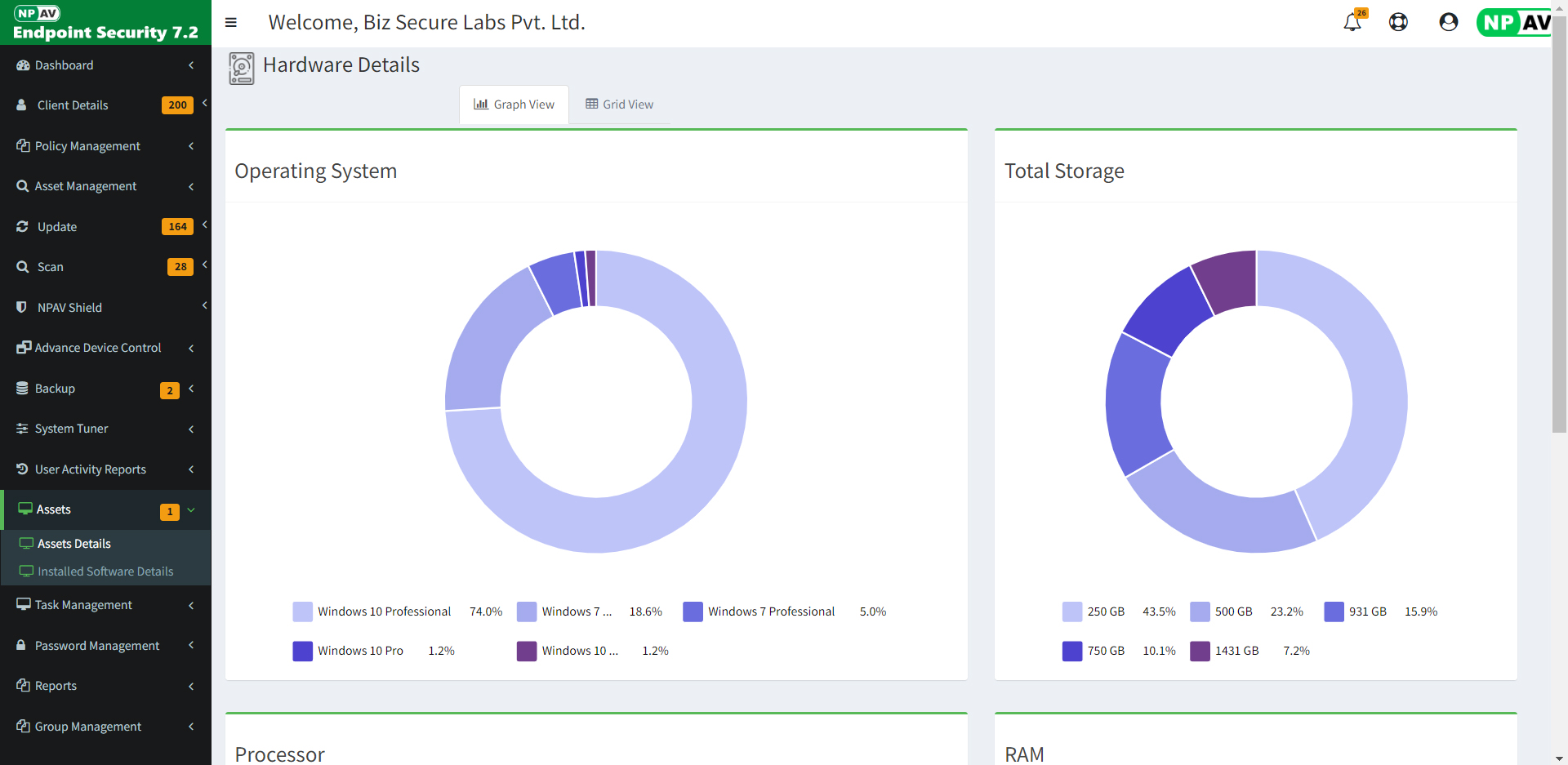
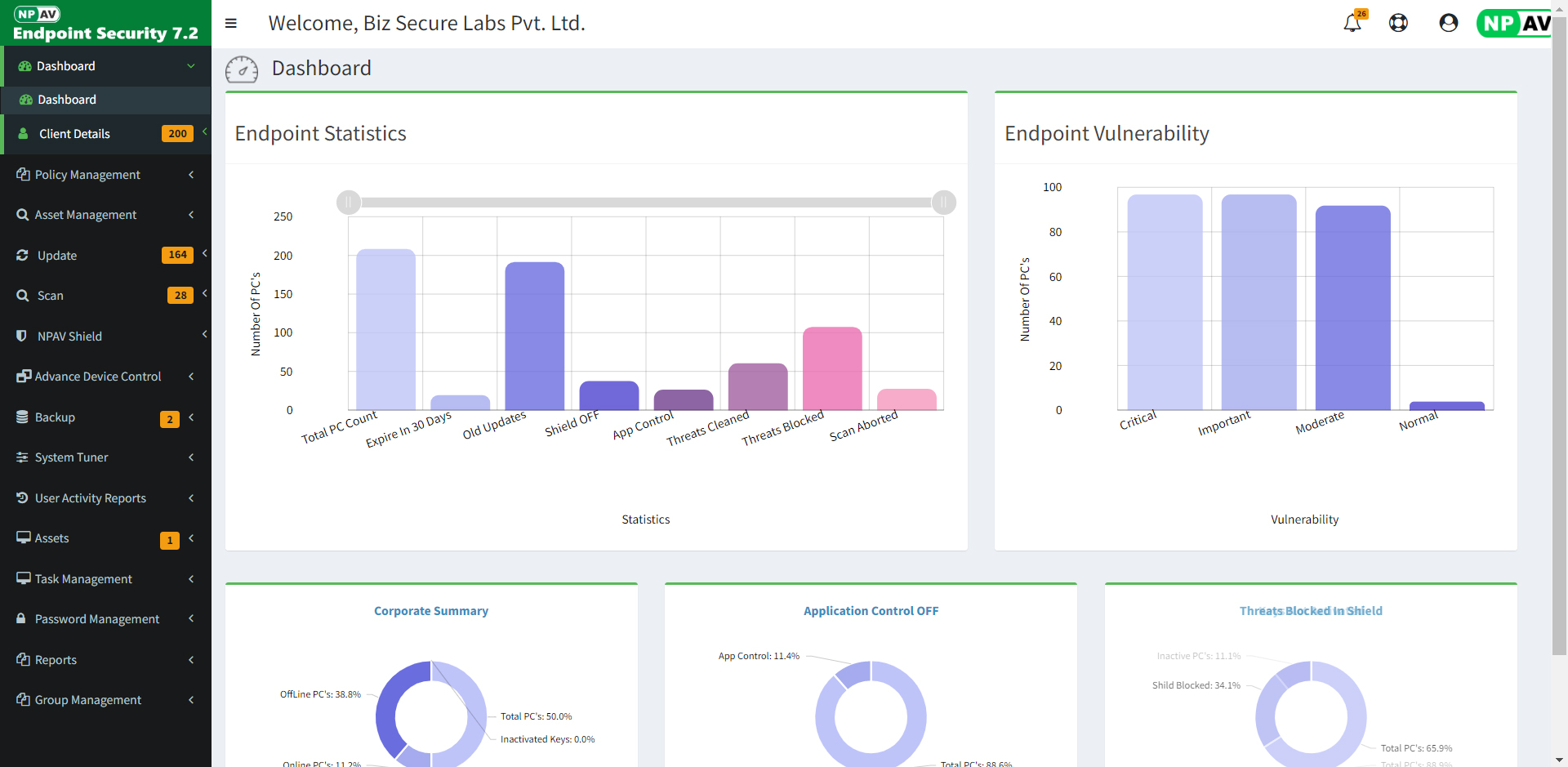
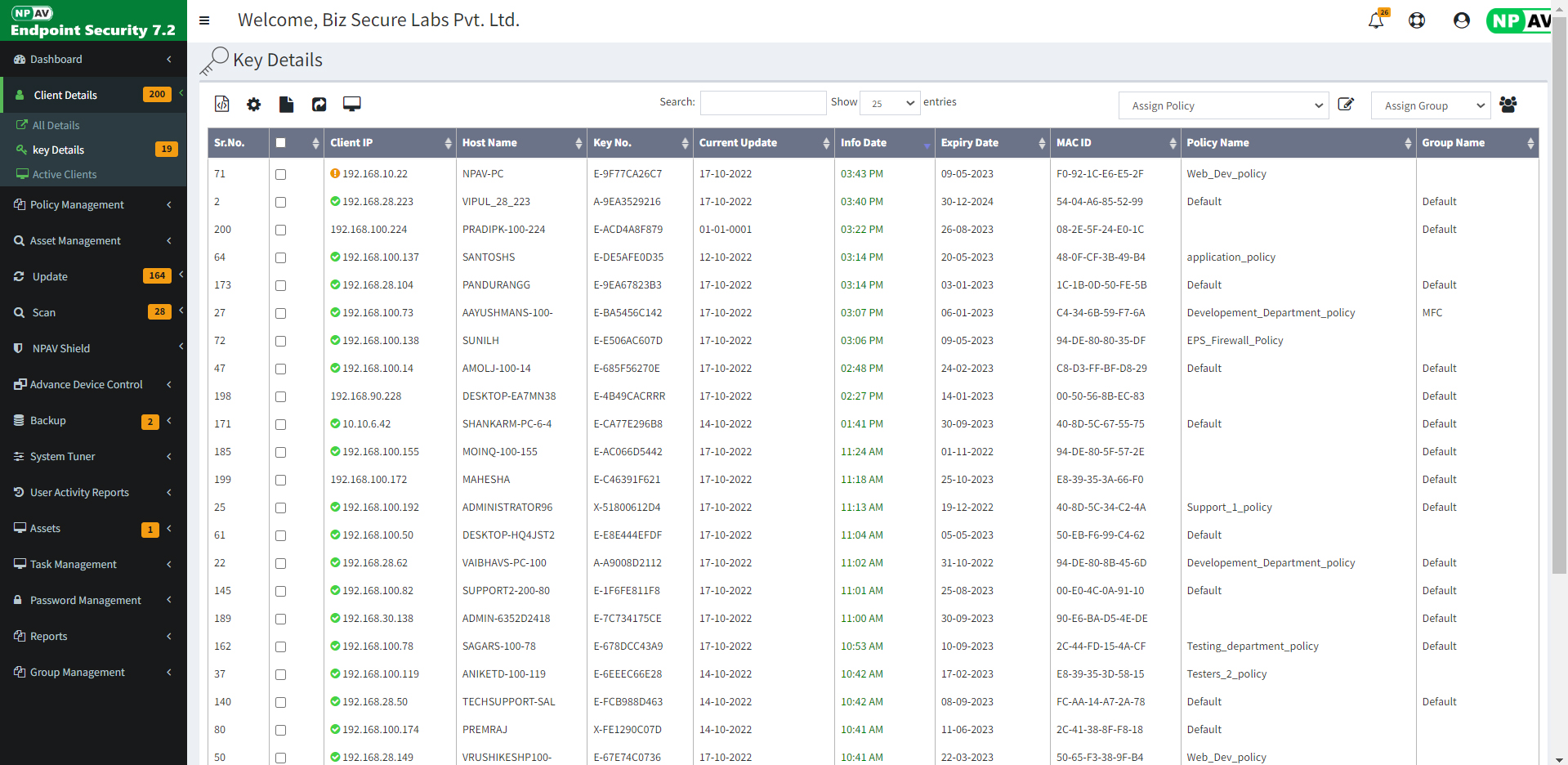
Shows the network security health status, Statistics of client, Updates and threat status across the
network,
Advanced device control, Client printer activity Statistics, also provide the intelligent network
update
without internet.
.png)
Easily view and manage Security for PCs from all branches / locations.
.png)
Easy and Single Click Installation of software.
.png)
Support and Compatible with both Network Types: Domain Controller or Workgroup.
.png)
Group PCs as per department, floor, lab or location.
.png)
Start the scanning and updates on selected clients.
.png)
View and Manage running processes. Transfer and run application and patches on remote PC etc.
.png)
All PC's without Internet automatically locate and fetch updates from nearest local Update Server.
.png)
Restrict USB removable media access as Allow / Block / Read-Only.
.png)
Manage client data backup from the server, for safe keeping against any corruption or ransomware.
.png)
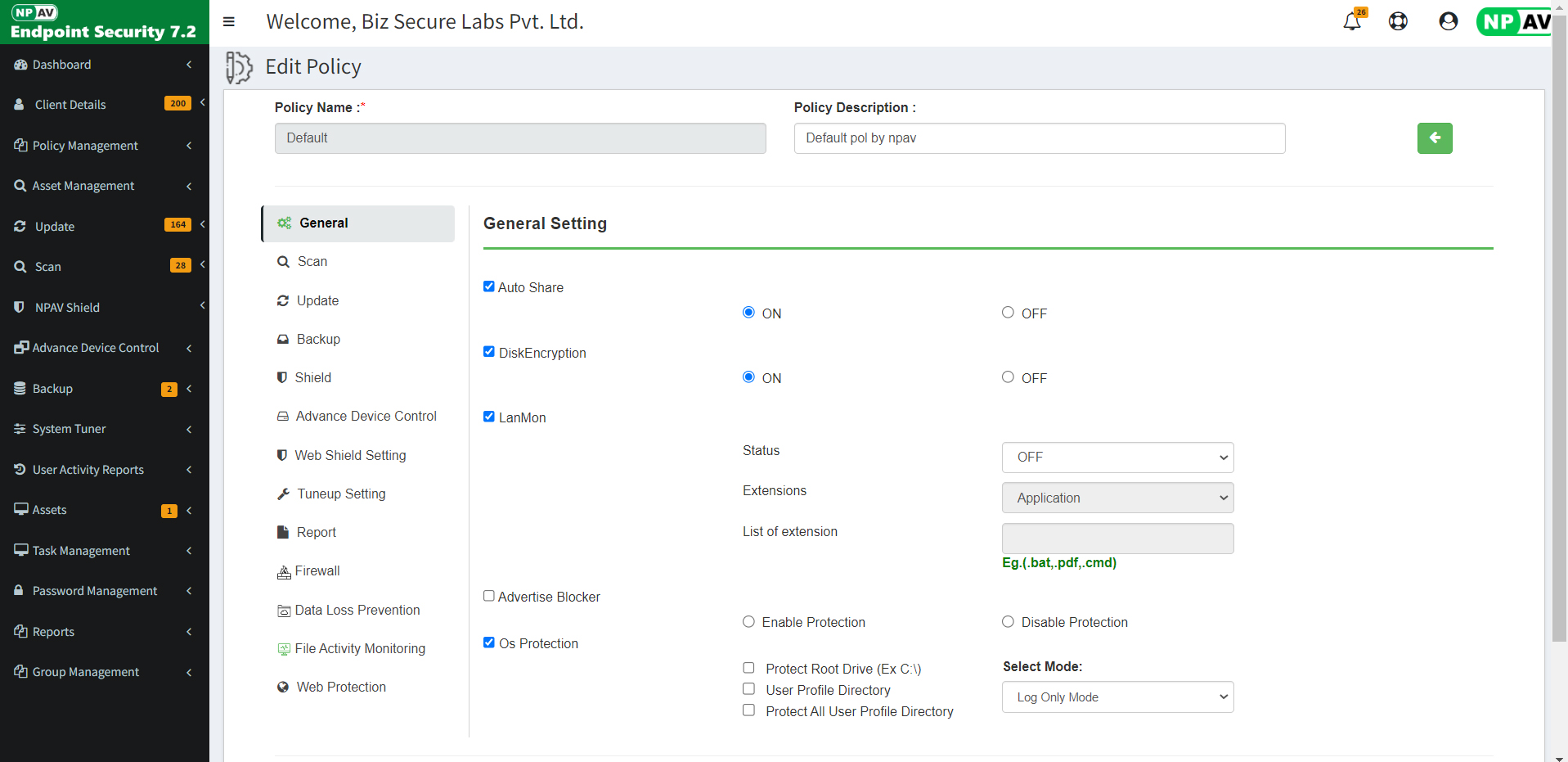
Remotely manage Antivirus Settings and Policies on Single PC or Group.
.png)
System Admin can view desktop of client's PC remotely by single click and can also chat with client.
.png)
Top-up validity of any local PC or field roaming Laptop.
.png)
Session activity record details of log in-log out, Remote desktop, Start and
shutdown activity with single setting from the EPS admin console to managed clients.
.png)
Efficiently monitors and logs activity of managed endpoints. Monitor Files with deep inspection monitors and records access to shared files with details as user names, file names, client IP addresses.
.png)
Easy to Restrict devices like mobile, portable devices, WPD, MTP, PTP devices,
CD/DVD etc., Can also allow only white listed devices in corporate network.
.png)
Download Net Protector Endpoint Security server and client updates from our website and apply them on the server. Clients will automatically retrieve updates over your LAN, eliminating the need for internet access. This feature is especially beneficial for government and defense organizations.
.png)
You can scan for all protected and un-protected PCs in the network and then push the
installation to the
client PCs. This feature is very useful for managing a large count of PCs.
.png)
The server and clients can be installed without any internet connection.
.png)
Remote Data Wiper securely deletes data in selected folders by repeatedly overwriting
it, making recovery impossible. It shreds files and folders using multiple algorithms,
with up to 7 passes for maximum security.
.png)
NPAV Disk Encryption provides strong security with file, folder, volume, and full disk encryption. If an encrypted disk is lost or used in another computer, only authorized users with the password can access its contents, ensuring your data remains protected.
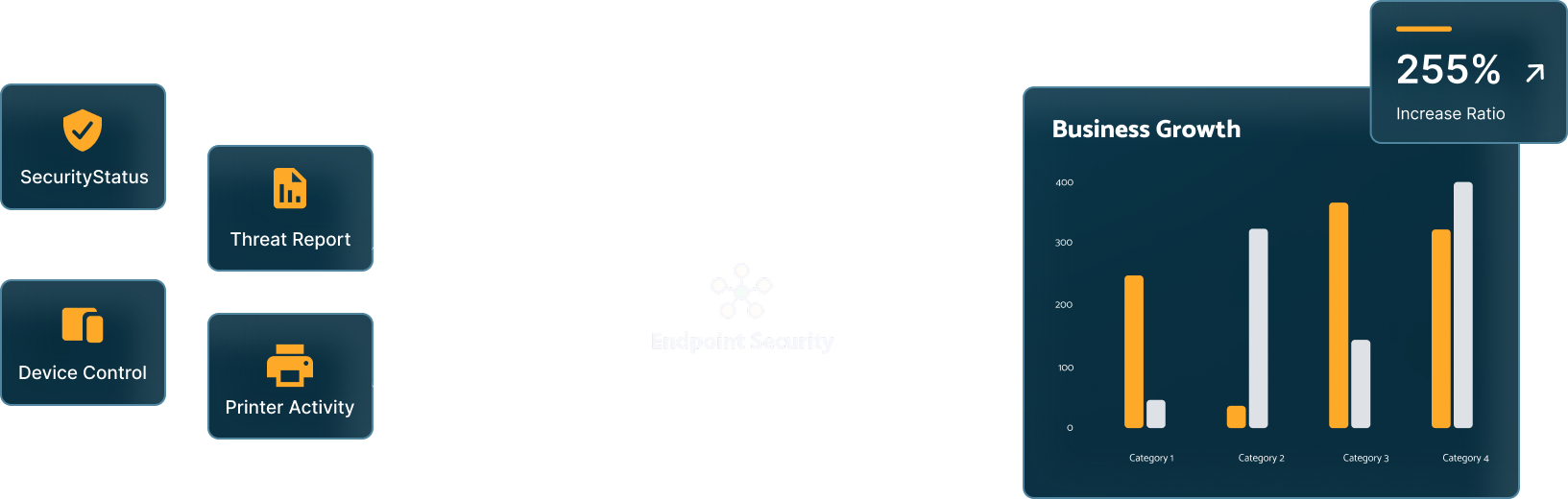
Manage all things equity in one place, with Endpoint Security, you get the all in
one automation and tracking platform designed
to help your business grow.

Manage all things equity in one place with Endpoint Security, offering an automation and tracking platform to help businesses grow.
Here, I'd be glad to help! When selecting a suitable Deployment Platform for Endpoint Security on
Mac, Windows, and Linux,
there are several factors to consider:

Compatible with

Compatible with

Compatible with
| Features | SME | Business | Total | Enterprise | EDR |
| Antivirus | |||||
| Anti-Ransomware | |||||
| Email Protection | |||||
| IDS/IPS Protection | |||||
| Firewall Protection | |||||
| Phishing Protection | |||||
| Browsing Protection | |||||
| SMS Notification | |||||
| Vulnerability Scan | |||||
| Roaming Platform | |||||
| Artificial Intelligence | |||||
| Asset Management | - | ||||
| Spam Protection | - | ||||
| Web Filtering | - | ||||
| Advanced Device Control | - | ||||
| SIEM Integration | - | ||||
| Application Control - Blacklist | - | - | |||
| Application Control - Safelist | - | - | |||
| Tuneup | - | - | |||
| File Activity Monitor | - | - | |||
| Patch Management | - | - | |||
| YouTube Access Controller | - | - | - | ||
| Google Access Controller | - | - | - | ||
| Disk Encryption Management | - | - | - | ||
| Realtime IoC Hash and Url Blocking | - | - | - | - | |
| Pre-Attack Surface Reduction | - | - | - | - | |
| Threat Detection and Response | - | - | - | - | |
| Network Security Statistics | - | - | - | - | |
| Network Service & Process Management | - | - | - | - |
| Sr. No. | File Description | Download Links | Release Date | Size |
|---|---|---|---|---|
| 1 | Endpoint Security Server Installer (Run this exe only on Endpoint Security Server PC) |
🡇 EPSServerSetup.exe | 26-Aug-2024 | 22.00 MB |
| 2 | Net Protector Endpoint Security | 🡇
InstallNP.exe
🡇 G-Drive Link |
10-Dec-2024 | 607 MB |
| 3 | Endpoint Security Client Installer (Run this exe on all client PC) |
🡇 NPCorpClient.exe | 17-oct-2023 | 5.01 MB |
| 4 | EPS Intranet Installer (8.3) | 🡇 EPSIntranetInstaller.exe | 20-Jan-2025 | 173 MB |
| 5 | EPS ServerInstaller_LL | 🡇 EPSServerInstaller_LL.exe | 20-Jan-2025 | 560 MB |
| Sr. No. | File Description | Download Links | Release Date | Size |
|---|---|---|---|---|
| 1 | Endpoint Security Installation Guide | 🡇 EPS_Installation_Guide.pdf | 27-Aug-2024 | 1.00 MB |
| 2 | Eps Intranet Installation Guide | 🡇 EPS_Intranet_Installation_Guide.pdf | 21-Nov-2024 | 0.63 MB |
| 3 | Endpoint Security Server Installer (Old) |
🡇 NPCorpEditionServer_old.exe | 21-Jan-2019 | 15.1 MB |
| 4 | Endpoint Security Server Installer (Offline) |
🡇 EPSServerSetup(Offline).exe | 29-Feb-2024 | 30 MB |
| 5 | MSI Installer | 🡇 Msici.msi | 09-Nov-2023 | 737 KB |
| 6 | URL Checker For EPS Cloud | 🡇 URLReachableChecker.exe | 15-May-2024 | 417 KB |
| File Description | Download Links | Release Date |
|---|---|---|
| Offline Updates | 🡇 Click here | Latest Release |
We are proud to showcase our achievements. We are commited to provide Robust security to our customers data.
NPAV Endpoint Security has earned the AV-Test Approved Endpoint Protection Advanced Certificate, ensuring strong defense against malware & cyber threats.
NPAV Endpoint Security is certified with the AV-Test Approved Corporate Endpoint Protection Certificate. It delivers elite protection using AI-driven defense.
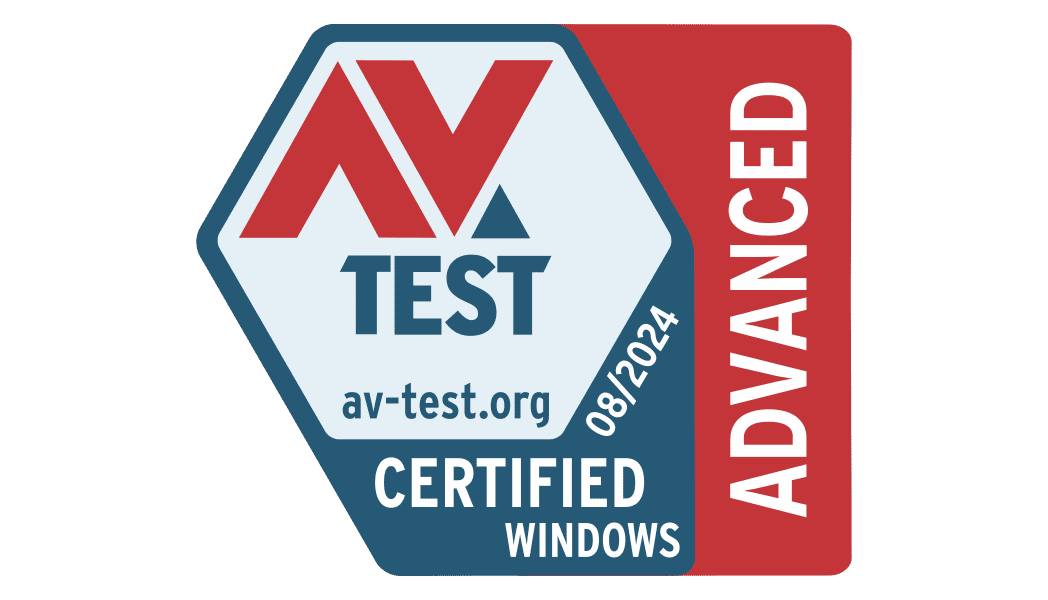
The AV-Test: Advanced Threat Protection test confirmed that NPAV delivers a high level of protection against cyber attacks, including zero day ransomware and stealers.
Endpoint Security Data Loss Prevention
Need help? Contact our team to get support

Net Protector is one of leading Cyber Security providers. Net Protector has been actively involved in Research and Development of Anti-Virus software from many years. Secure your PC, Office and Network with best products of Net Protector.